The Instagram kit.
Every piece the posts are built from, as a PNG for Canva, Figma, or Instagram’s own editor. Tiles and frames come at post size with no words on them, so you type the hook and facts yourself: Barlow Semi Condensed 800 for names and hooks, Source Serif 4 italic for dates and towns. Figures, icons, and the mark come on a clear background.
Download the whole kit (ZIP)Which post, whenThe playbook decides.
How many events the week holds decides the post: picks, a glance, or a carousel with the swipe band. The playbook has the thresholds, a comp for each layout, what each one shows, the type floors, and the caption.
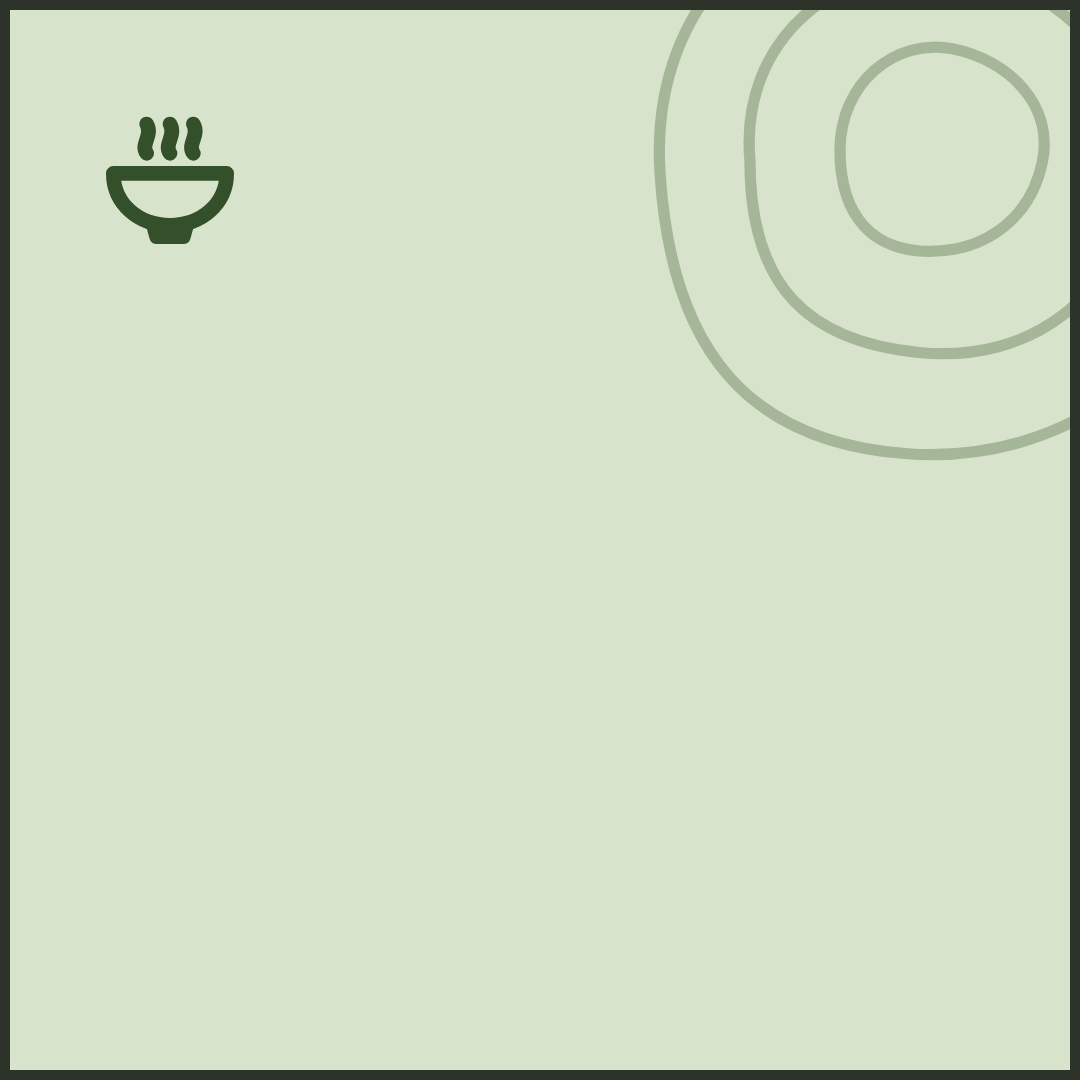
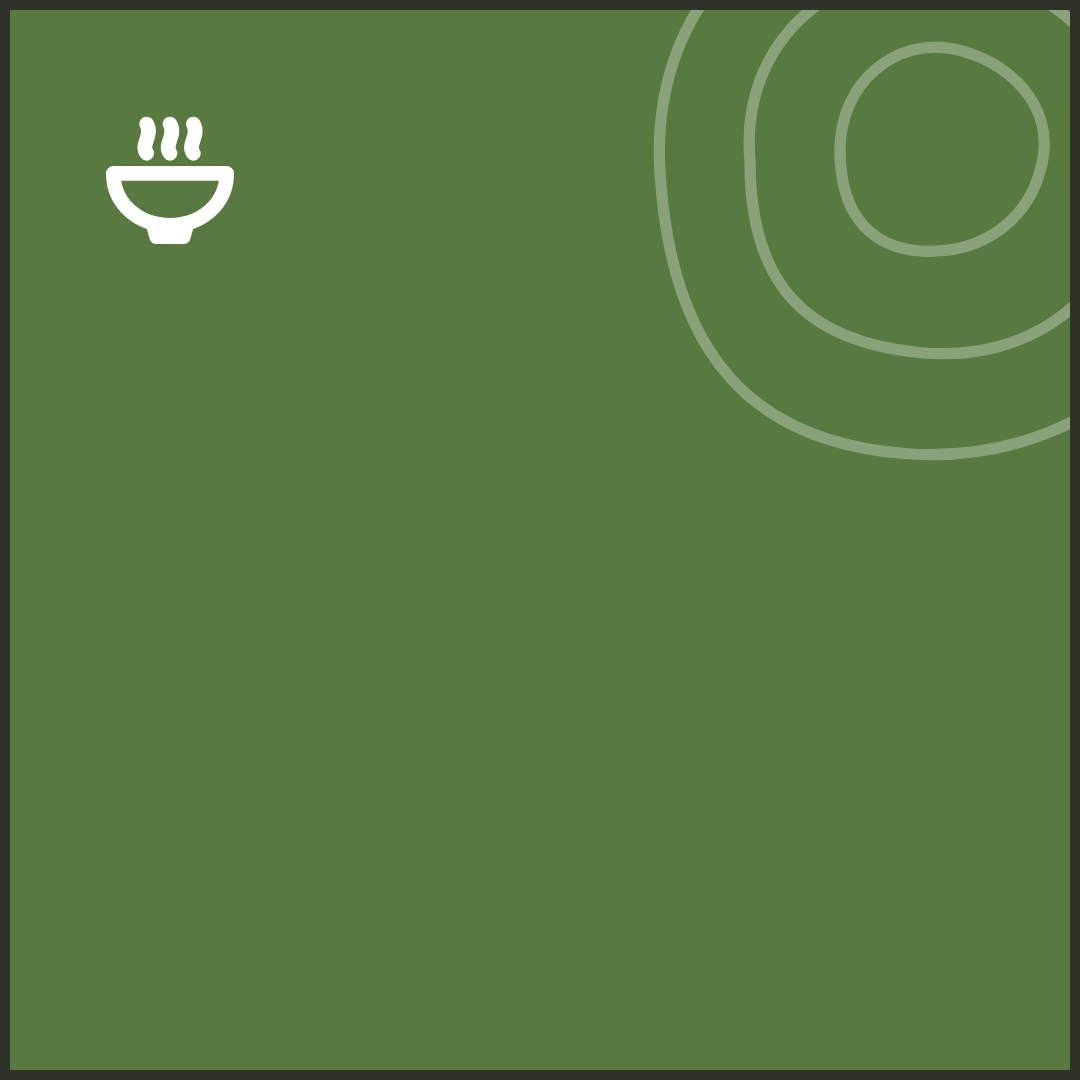
TilesThe listing tile, with room for your hook.
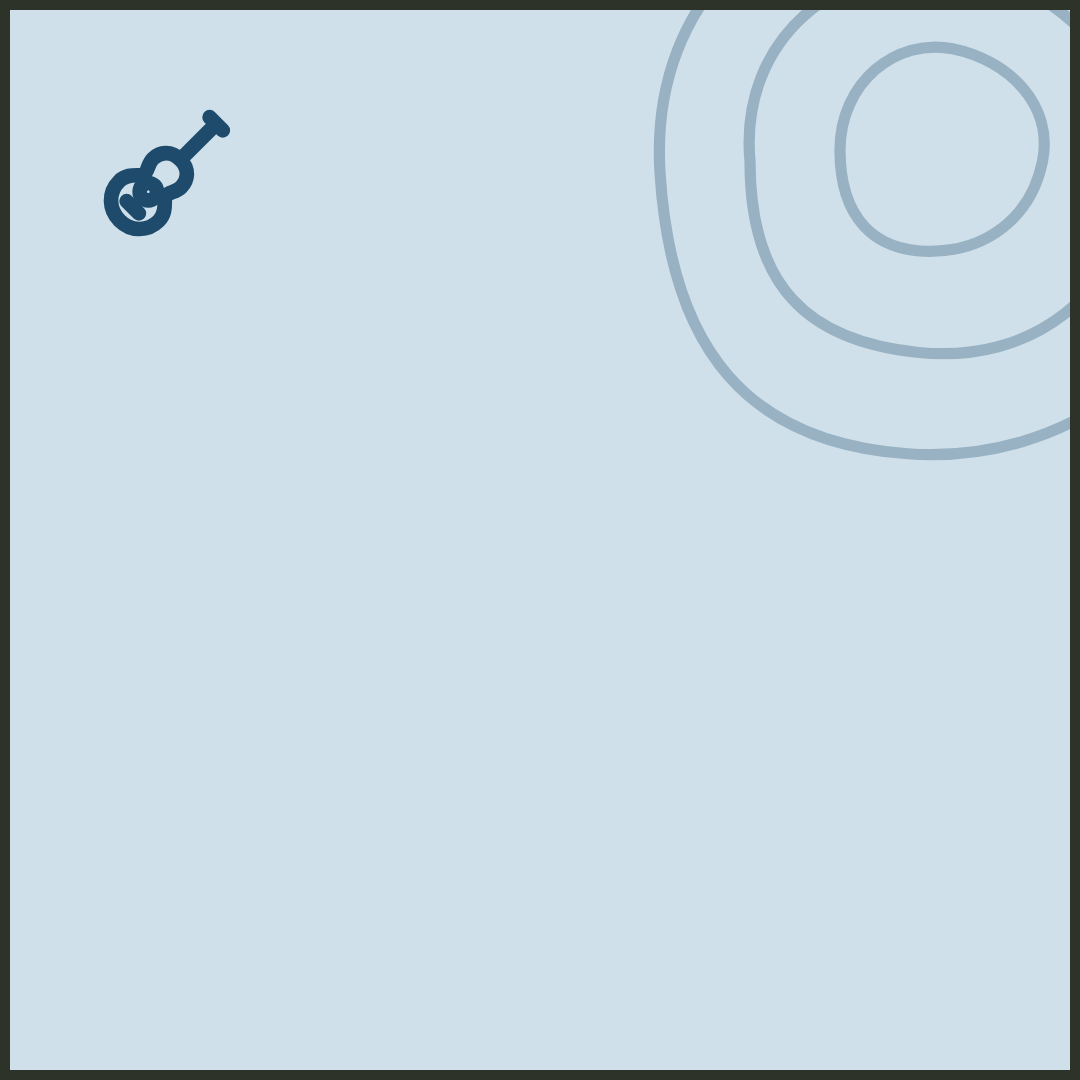
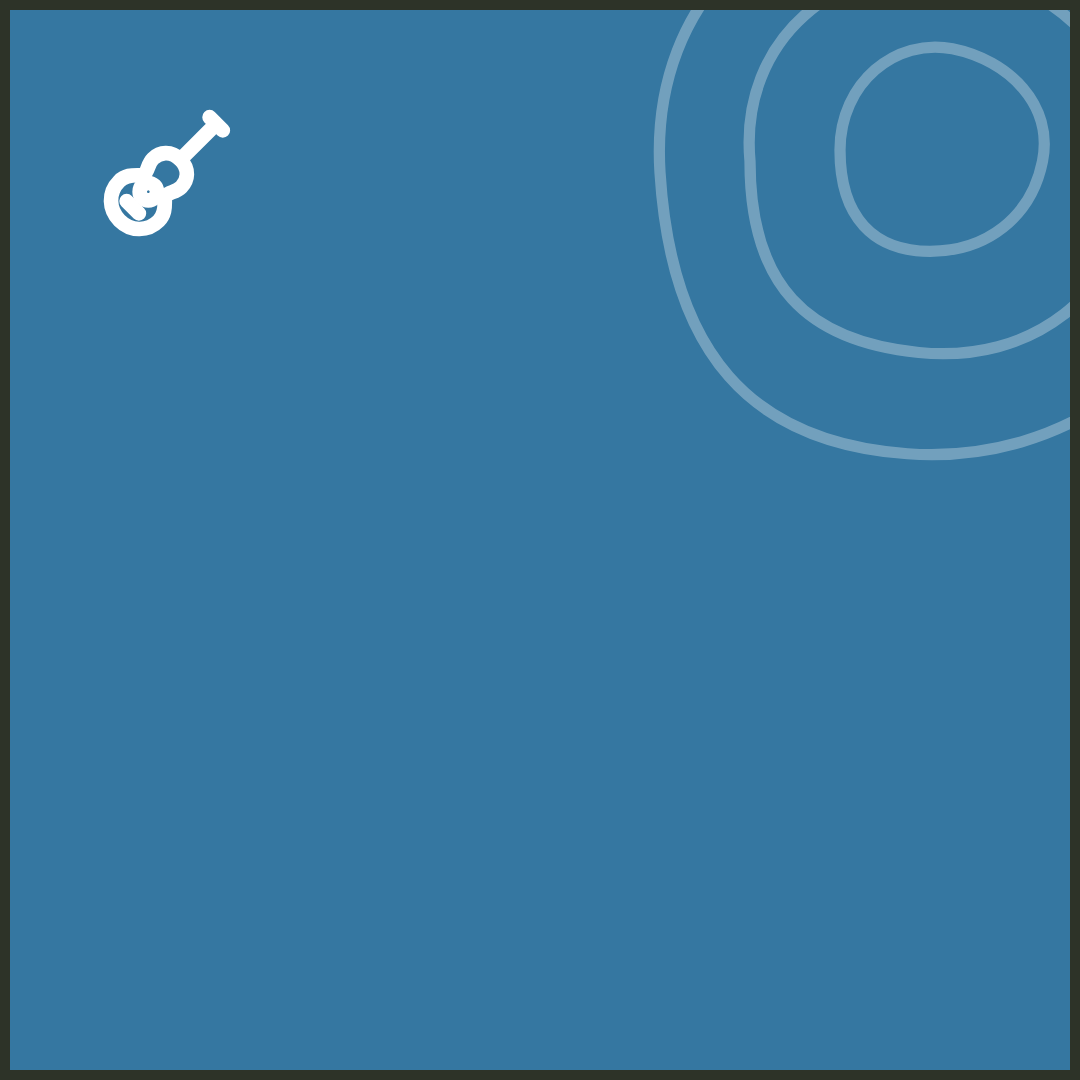
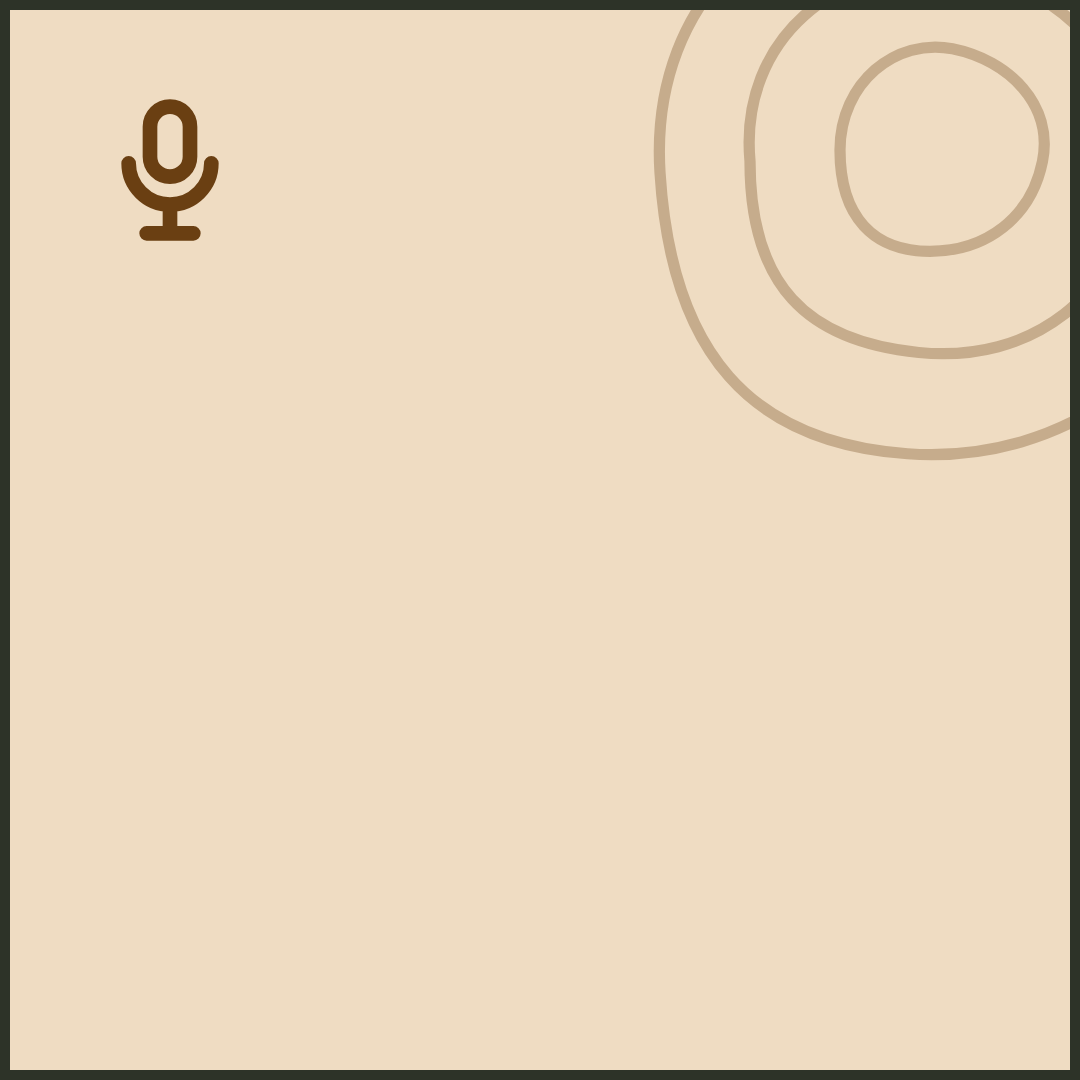
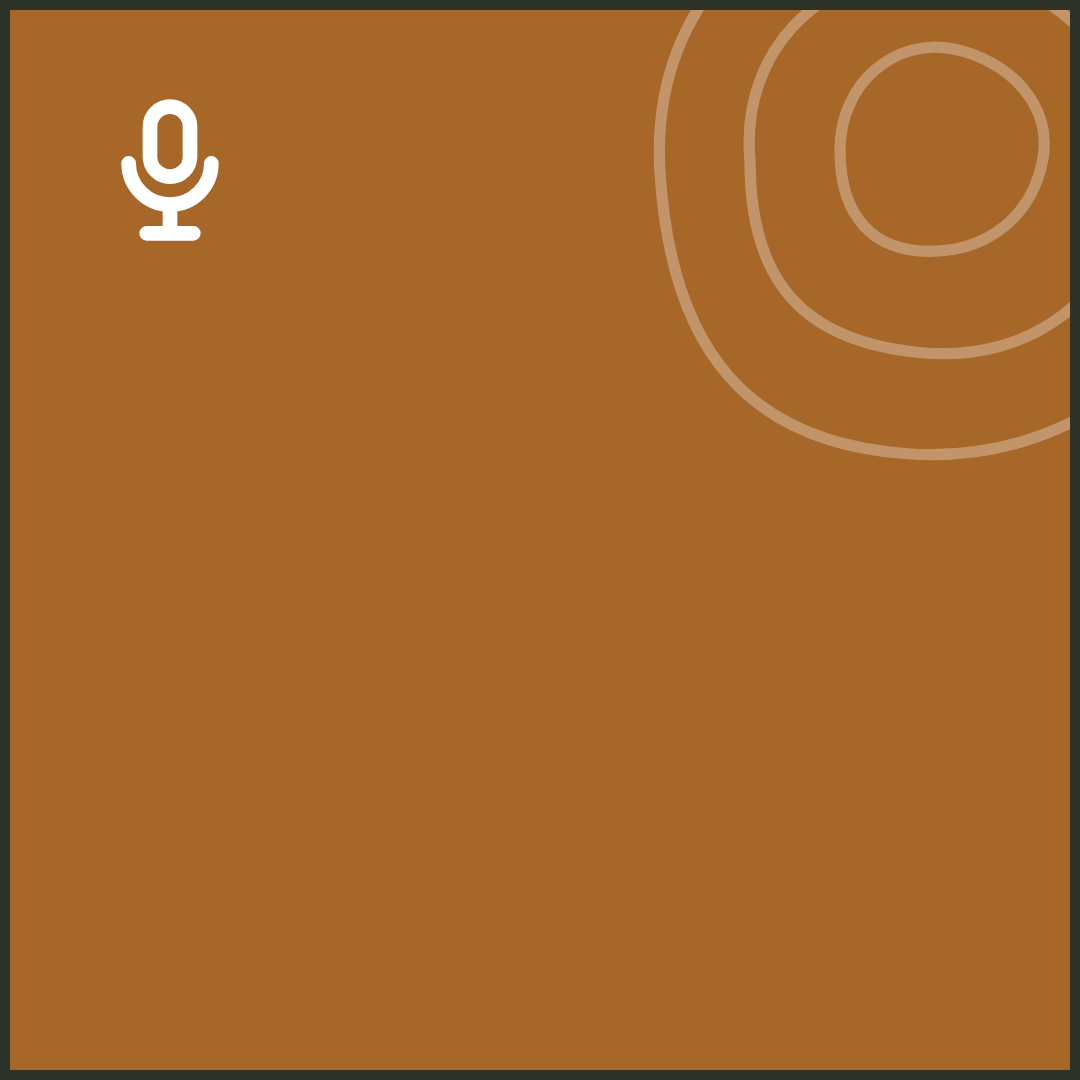
1080 × 1080. The pale tile marks an everyday listing; the solid one marks a pick.






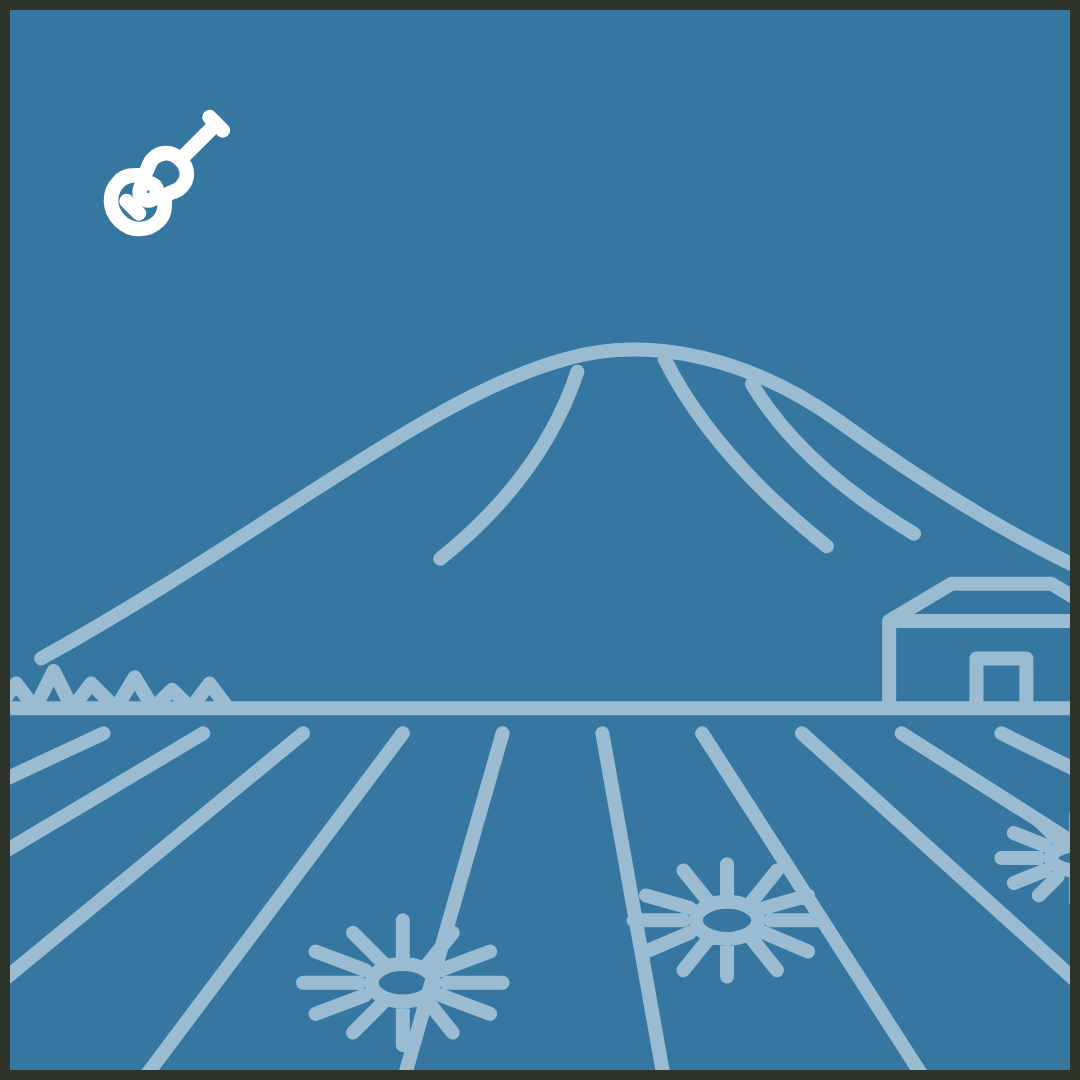
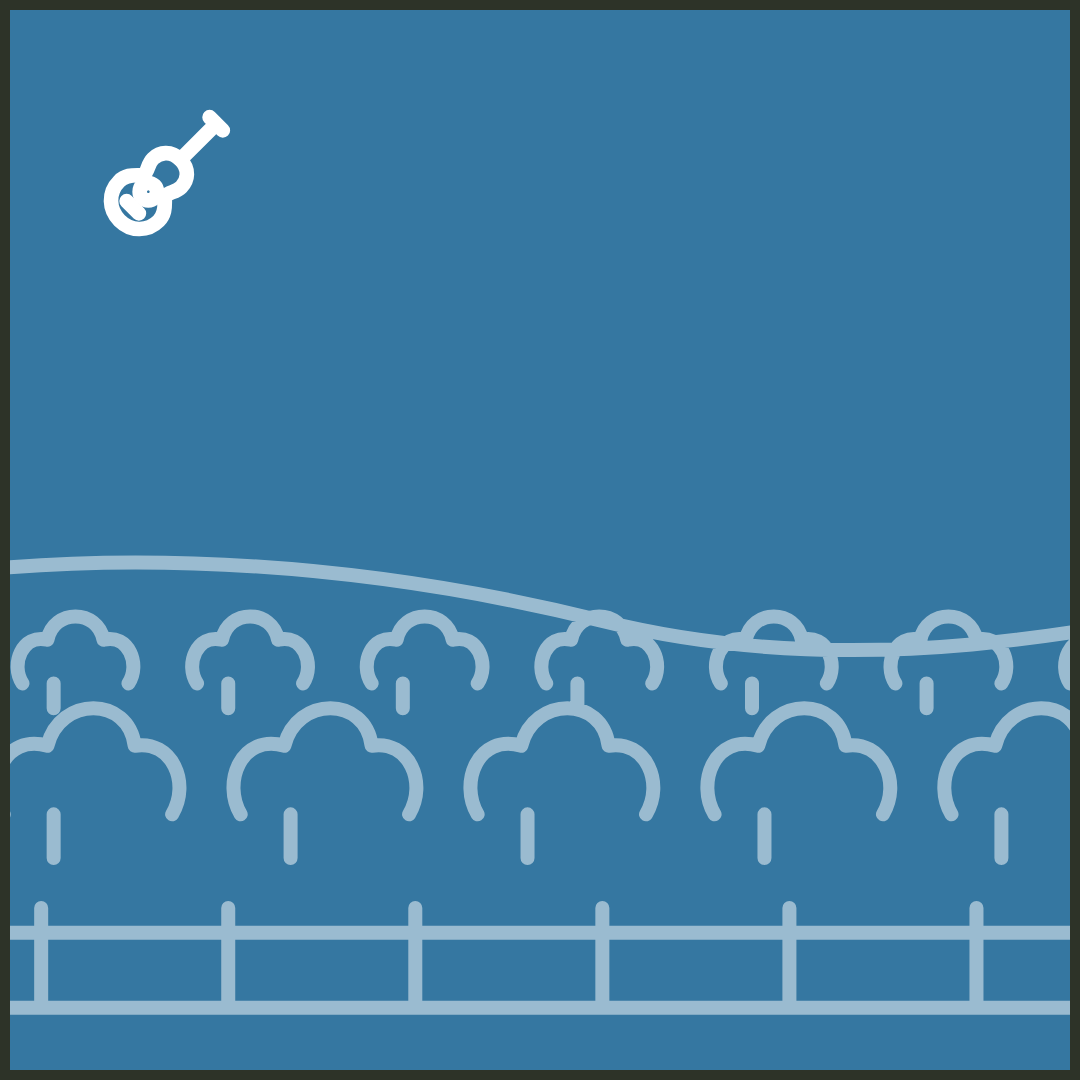
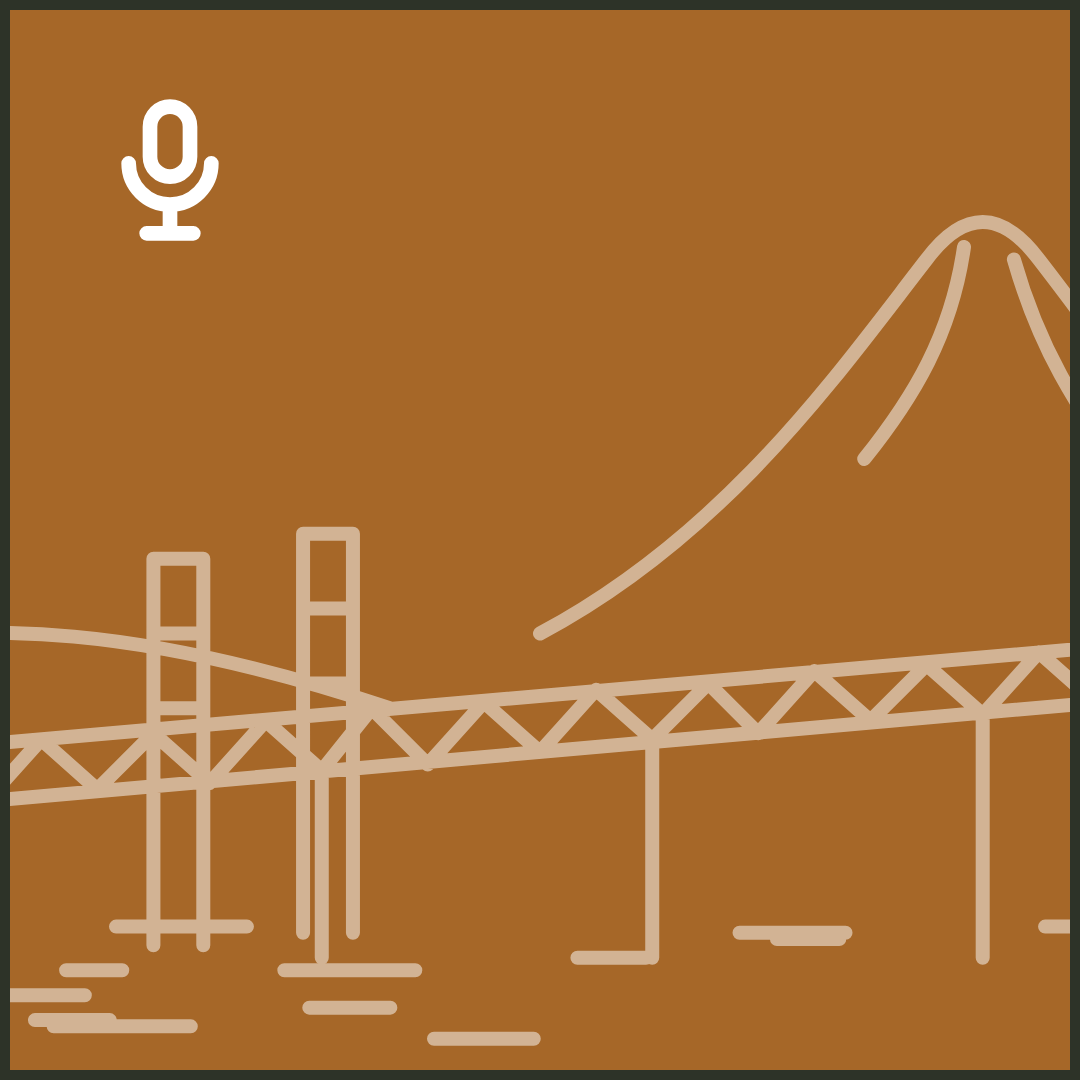
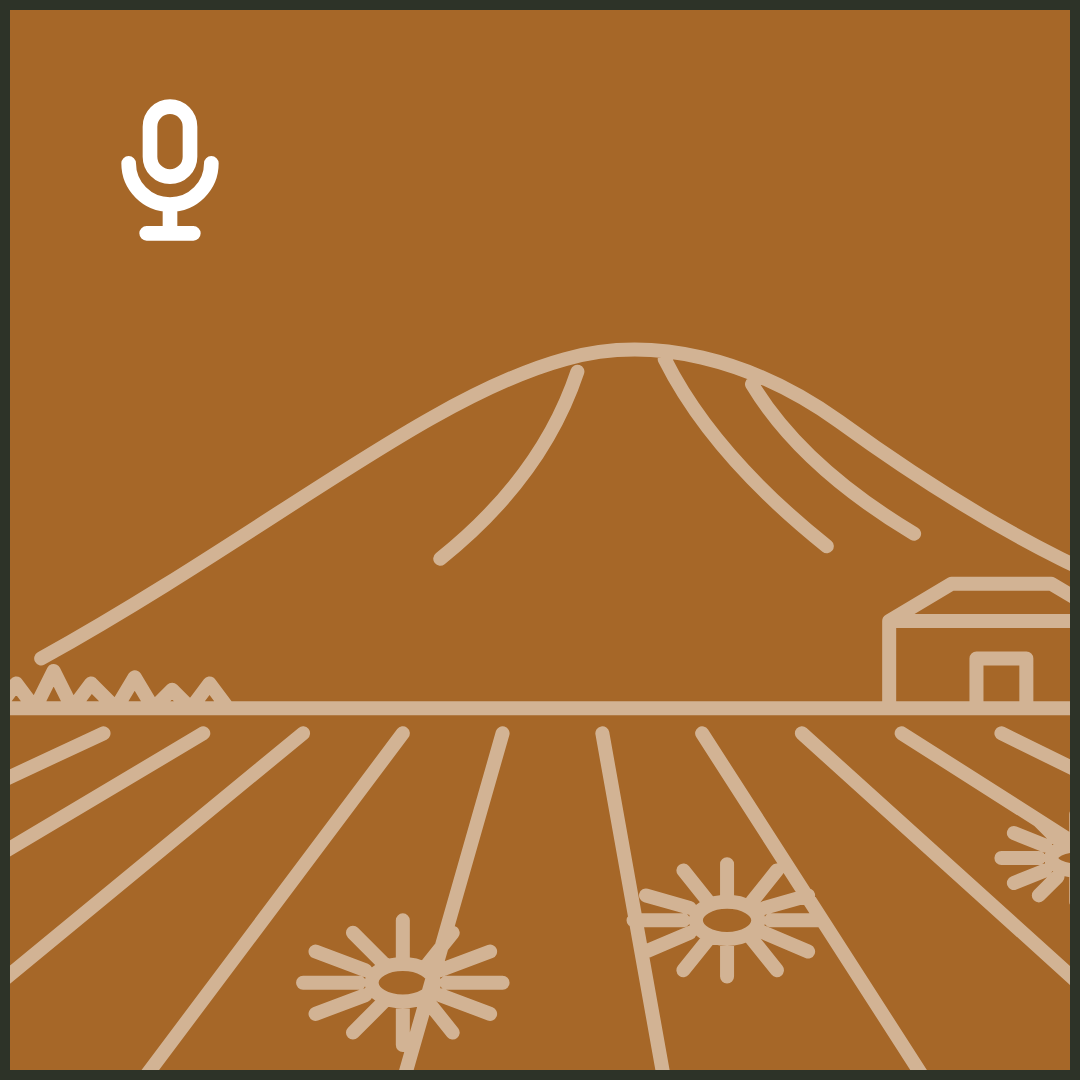
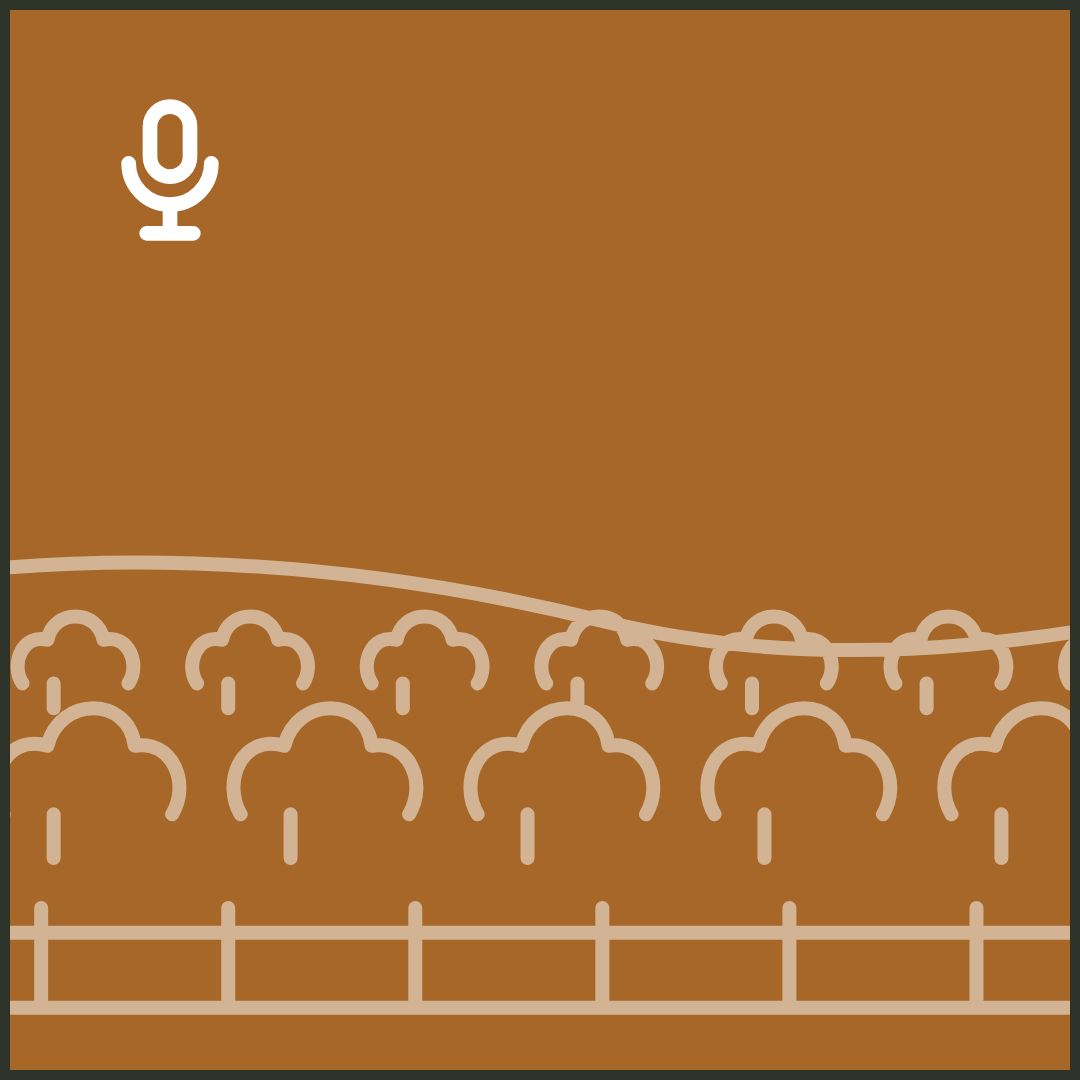
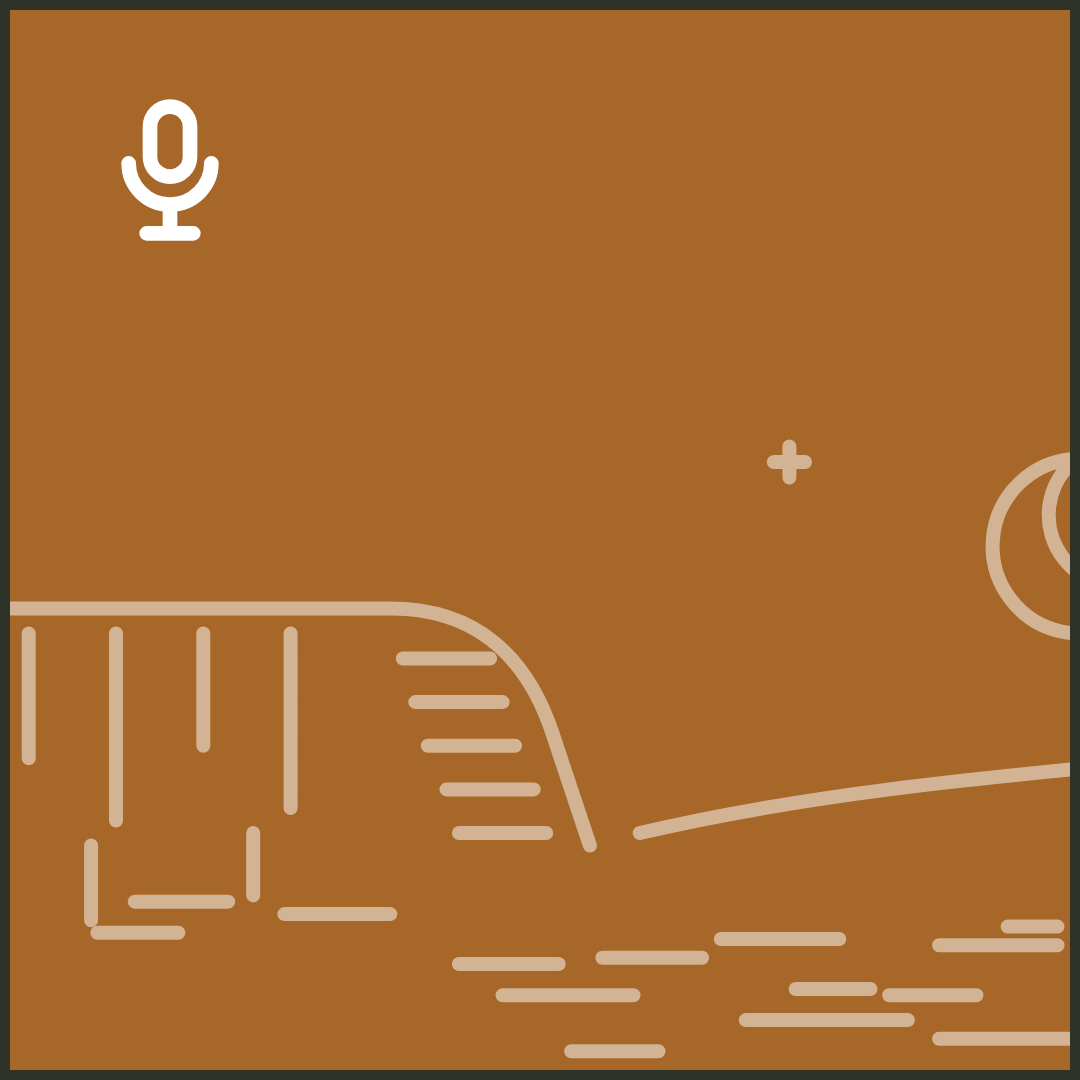
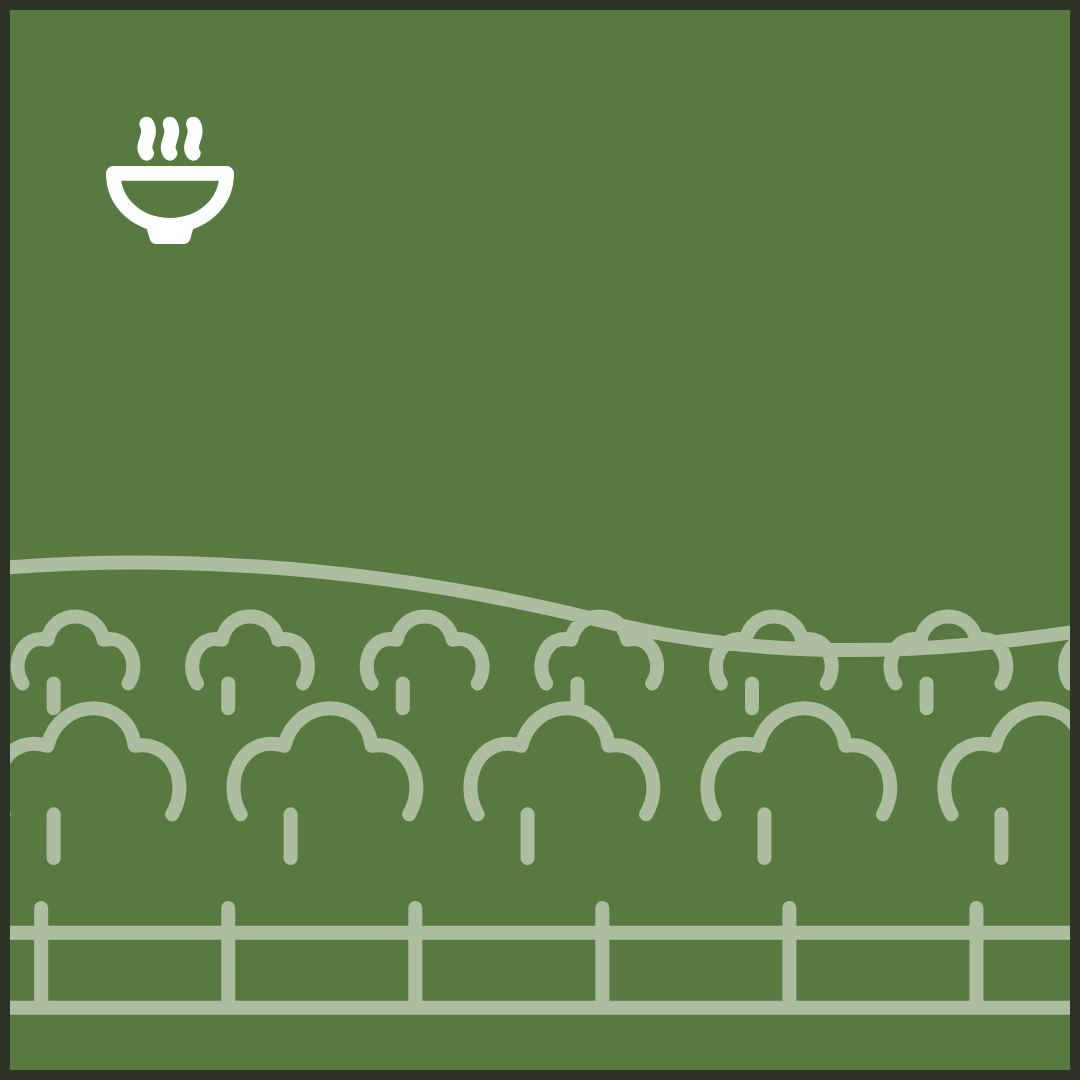
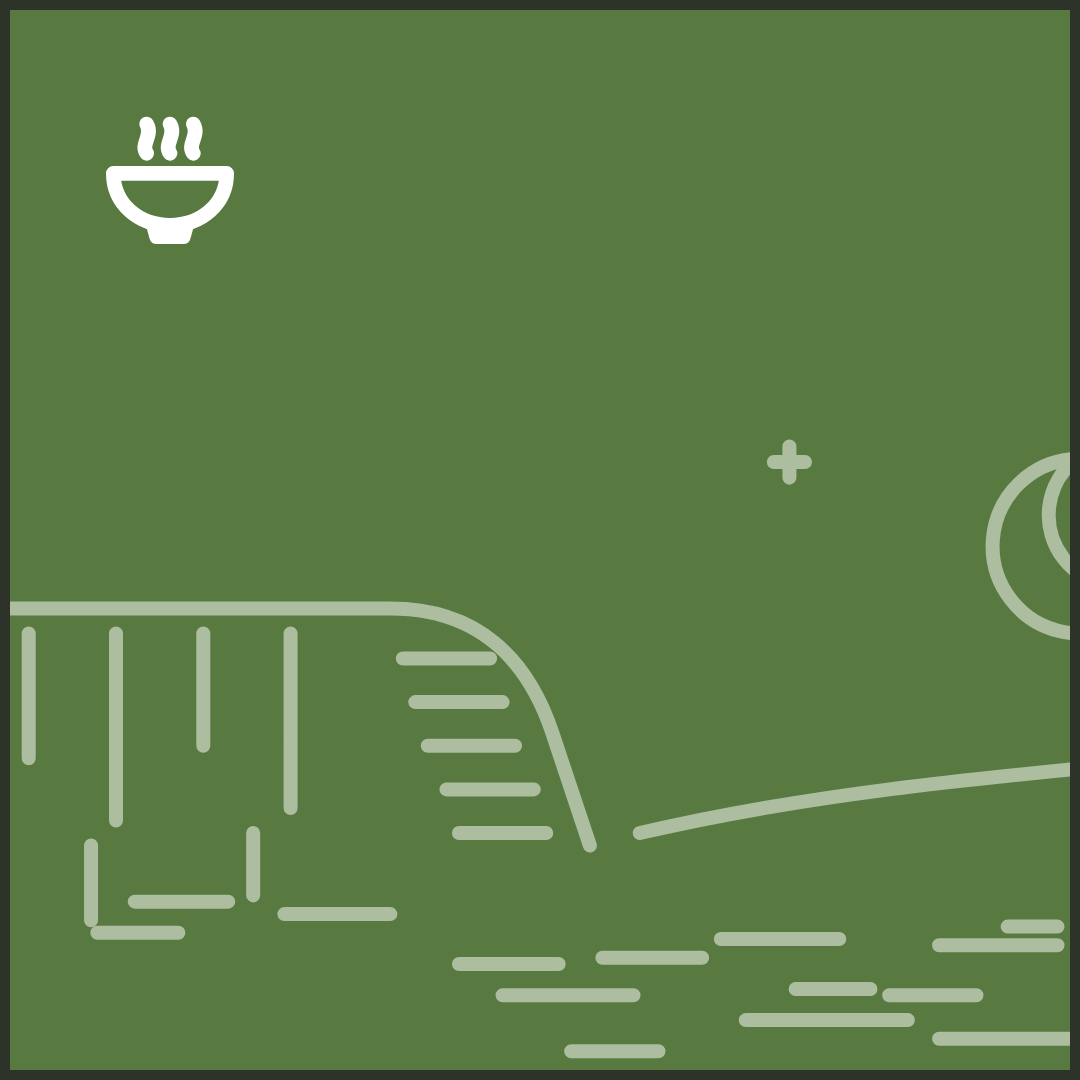
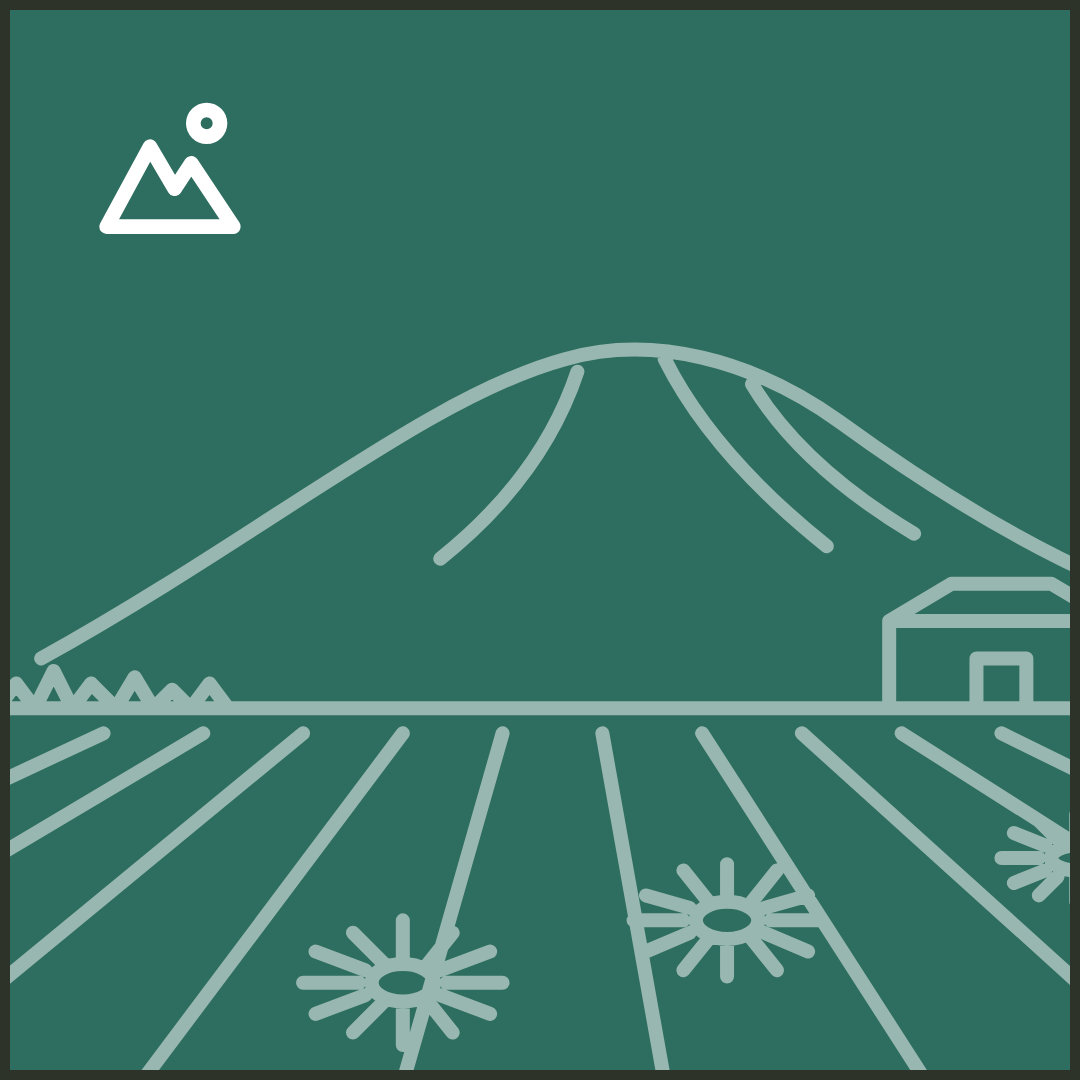
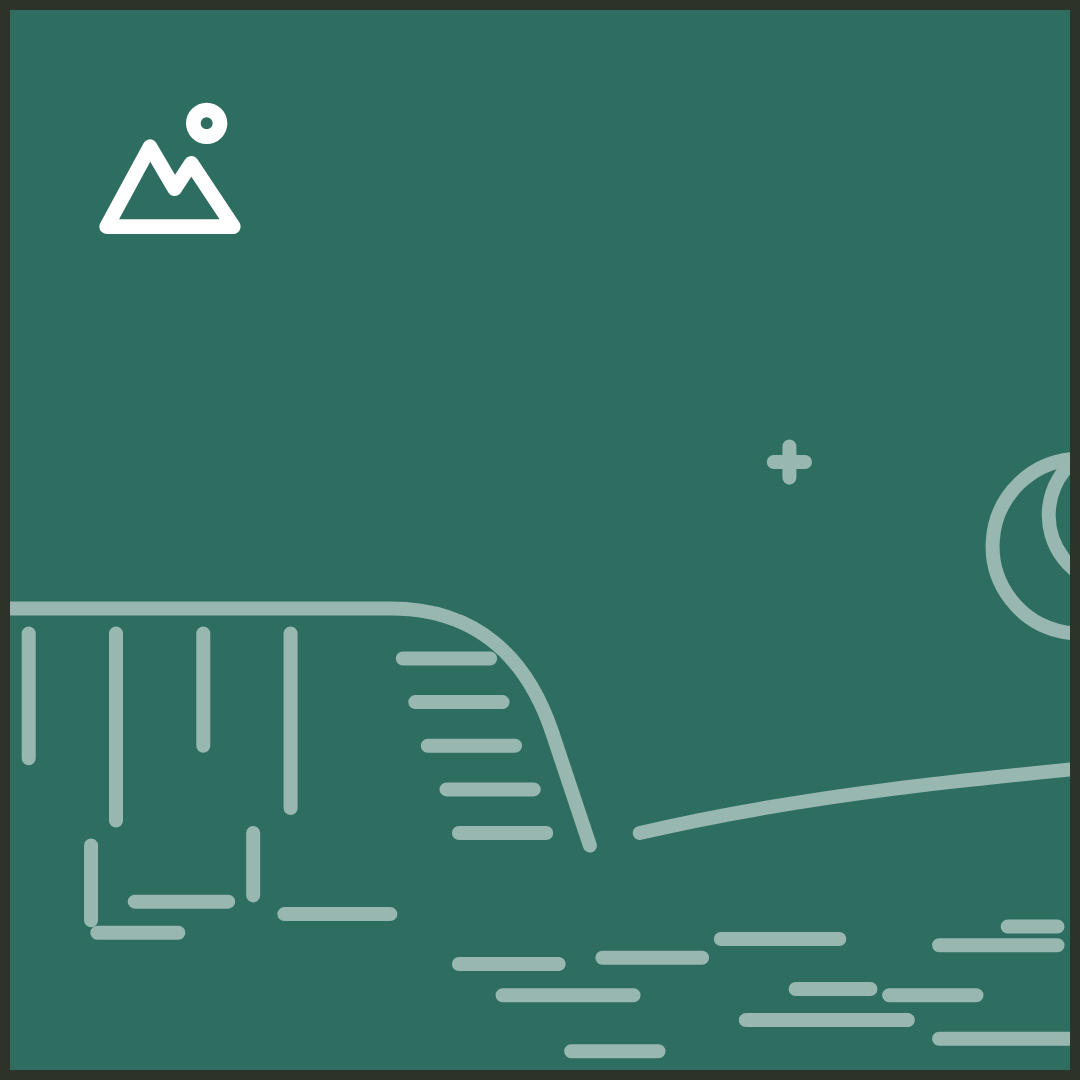
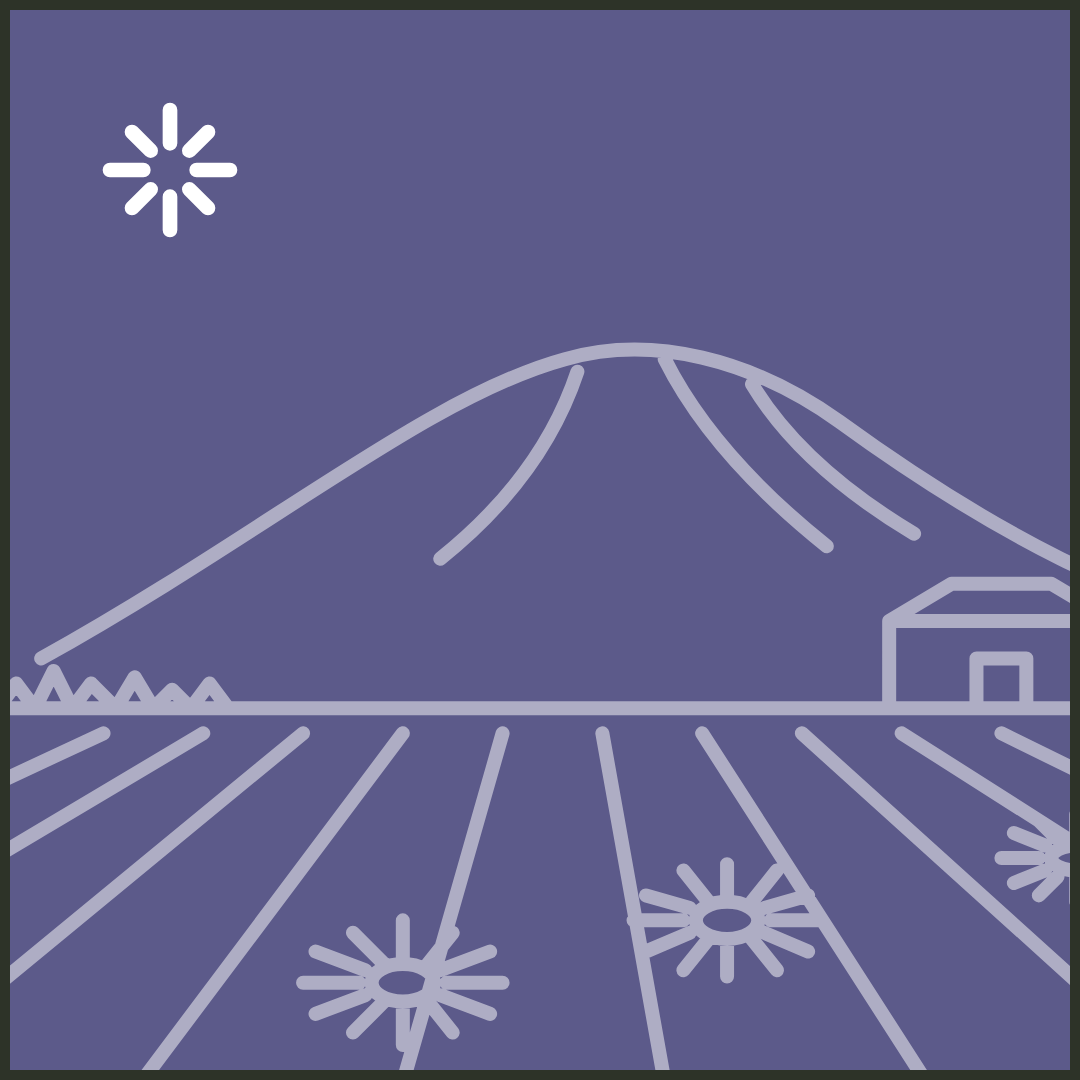
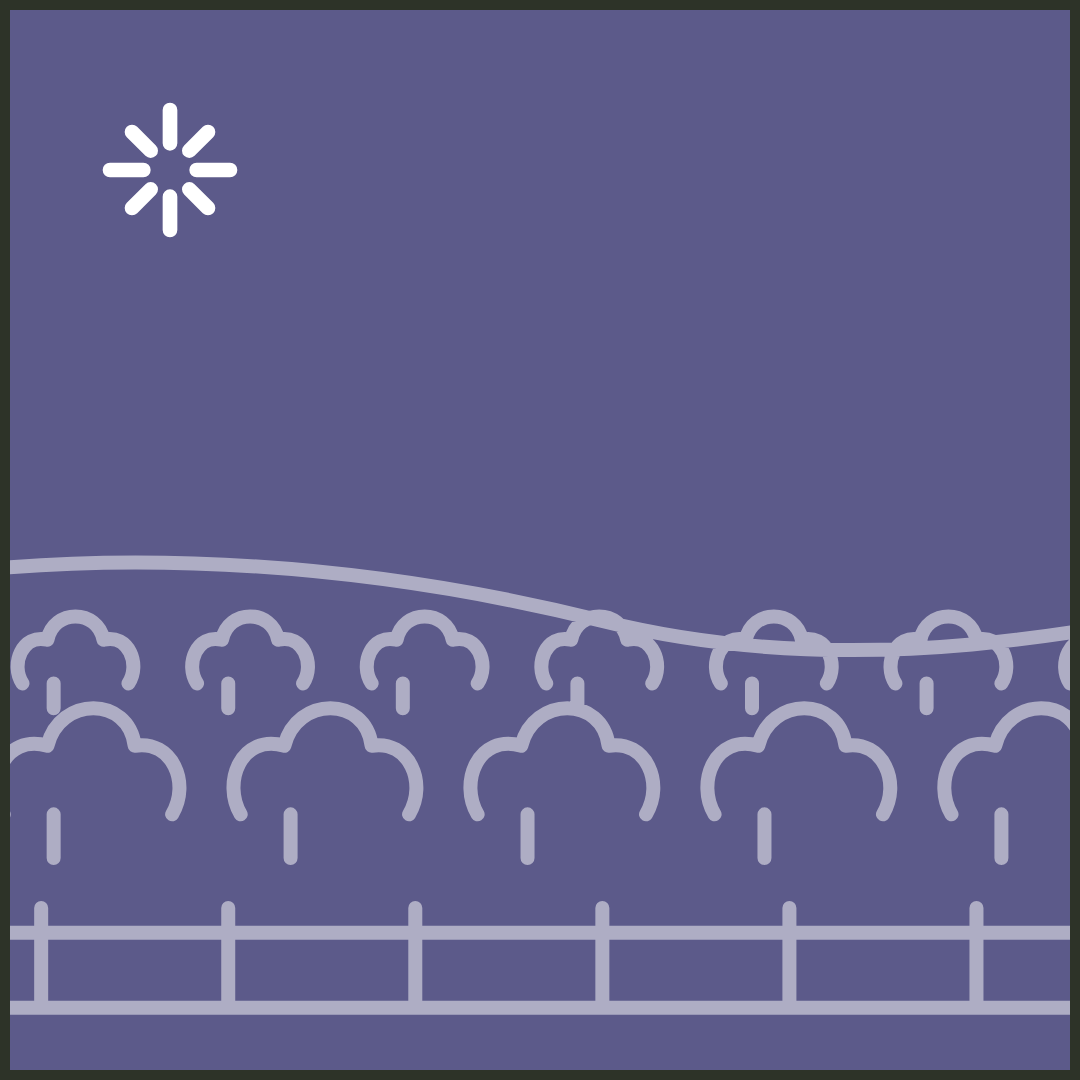
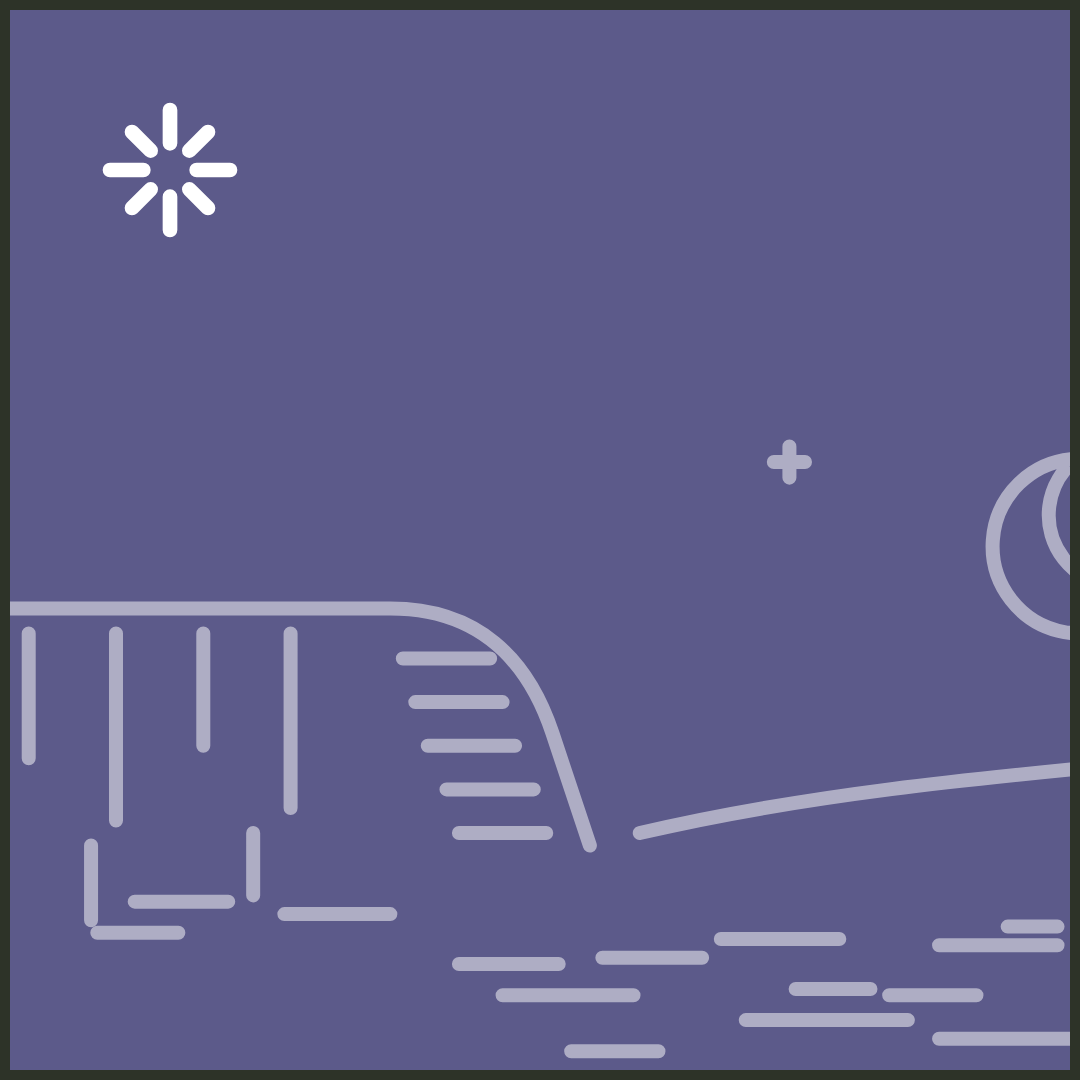
Town tilesSix categories, six places.
1080 × 1080. A pick drawn with its town: the bridge for Hood River and White Salmon, peaks for Trout Lake, orchard rows for farms, rimrock for The Dalles, falls for the west end, and the river anywhere else.

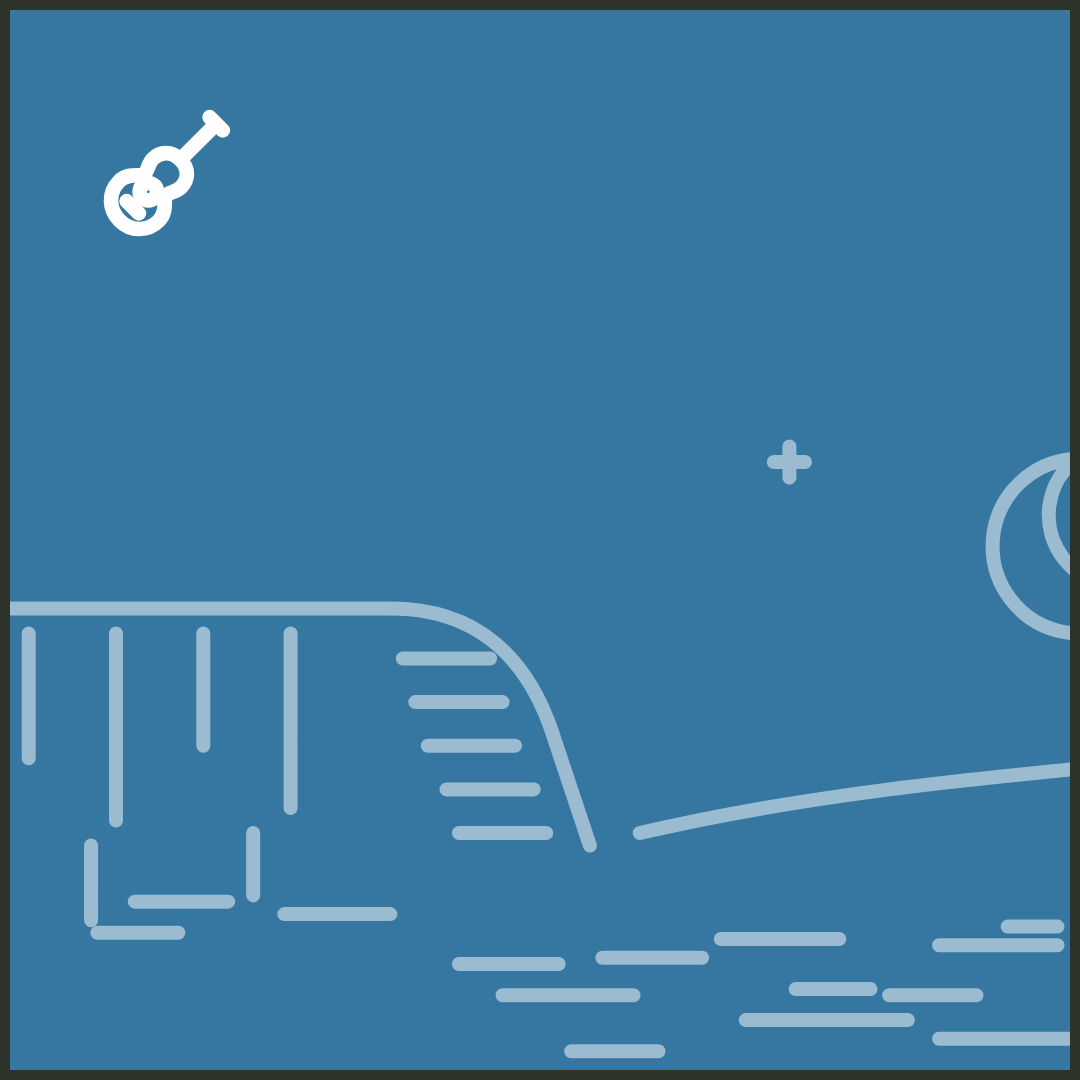


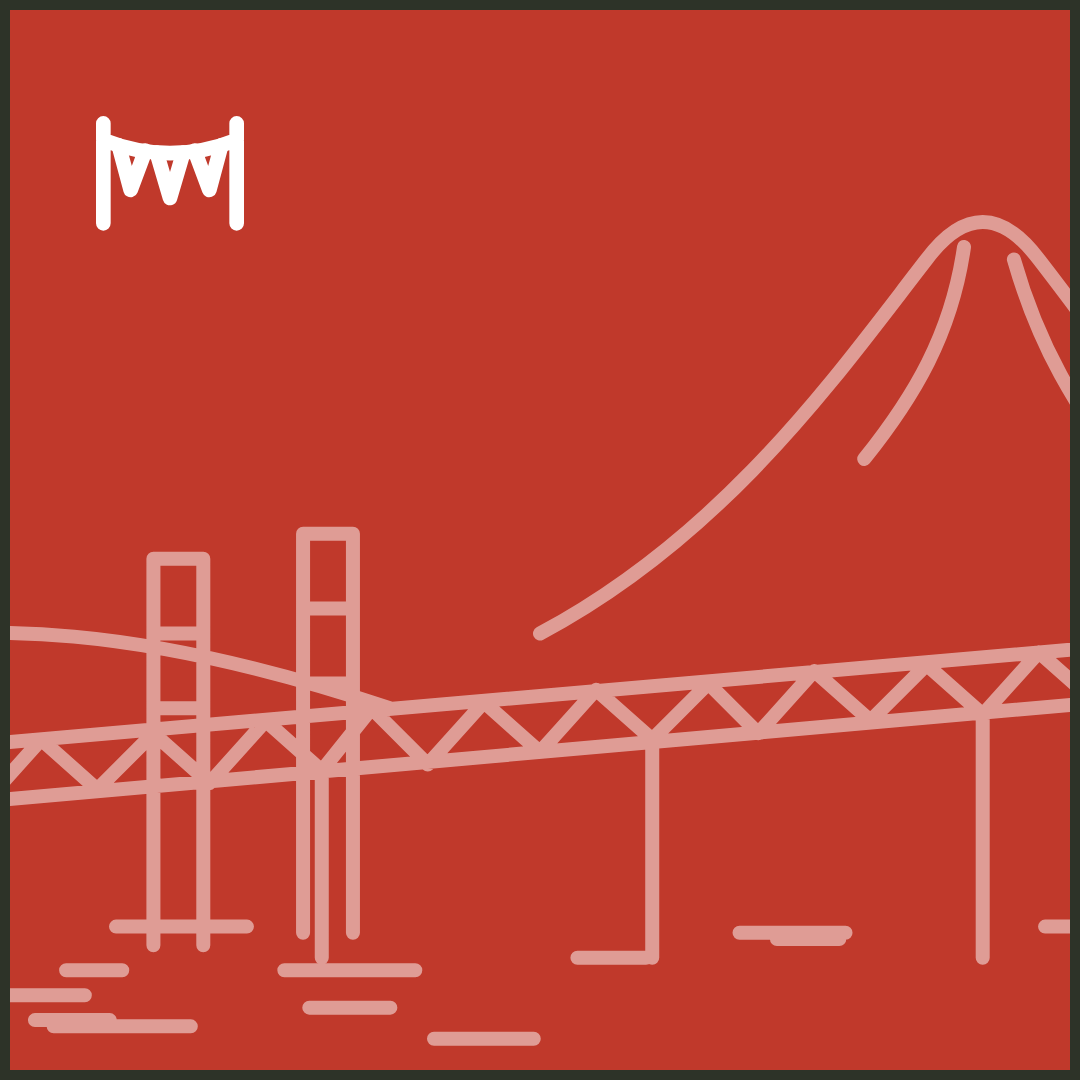
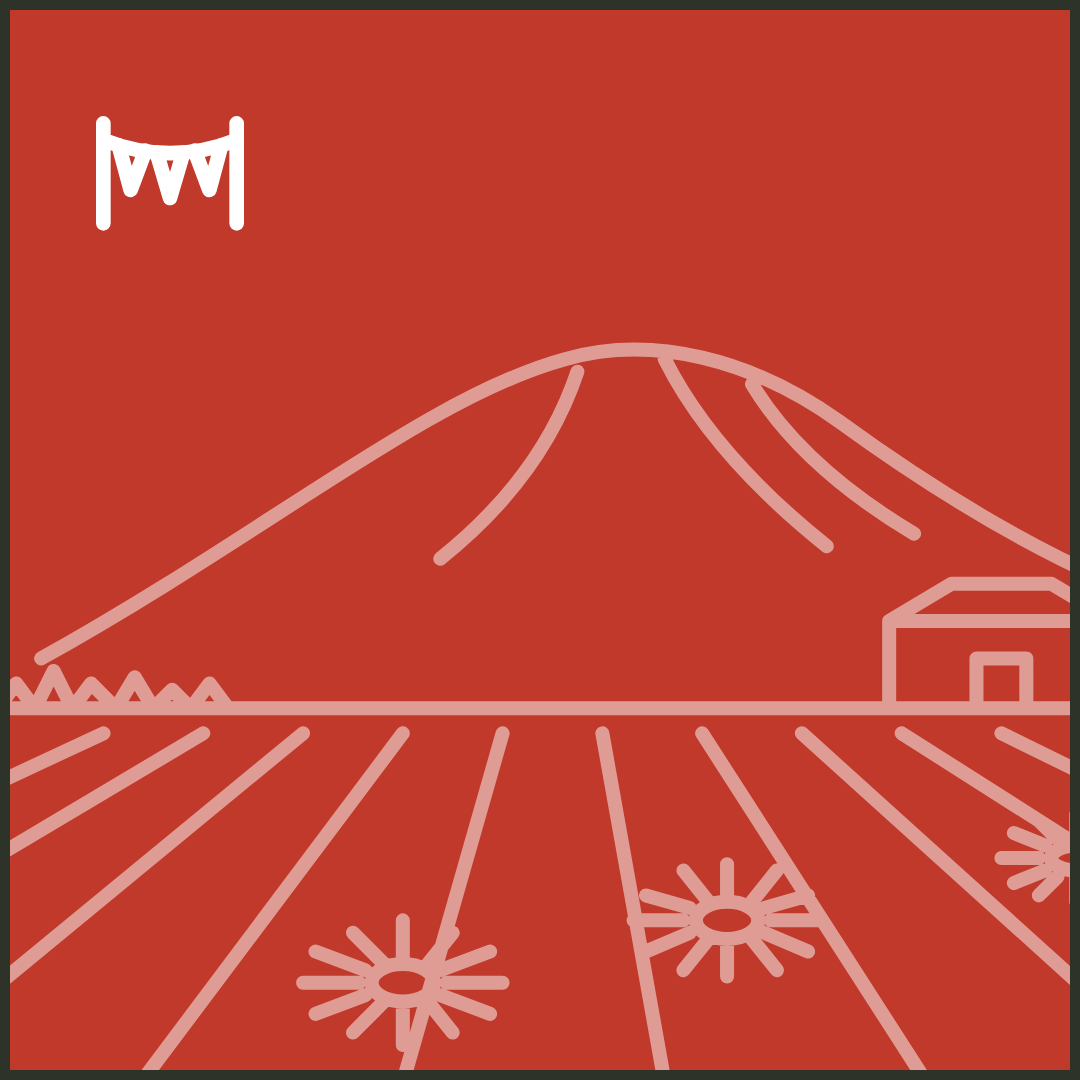

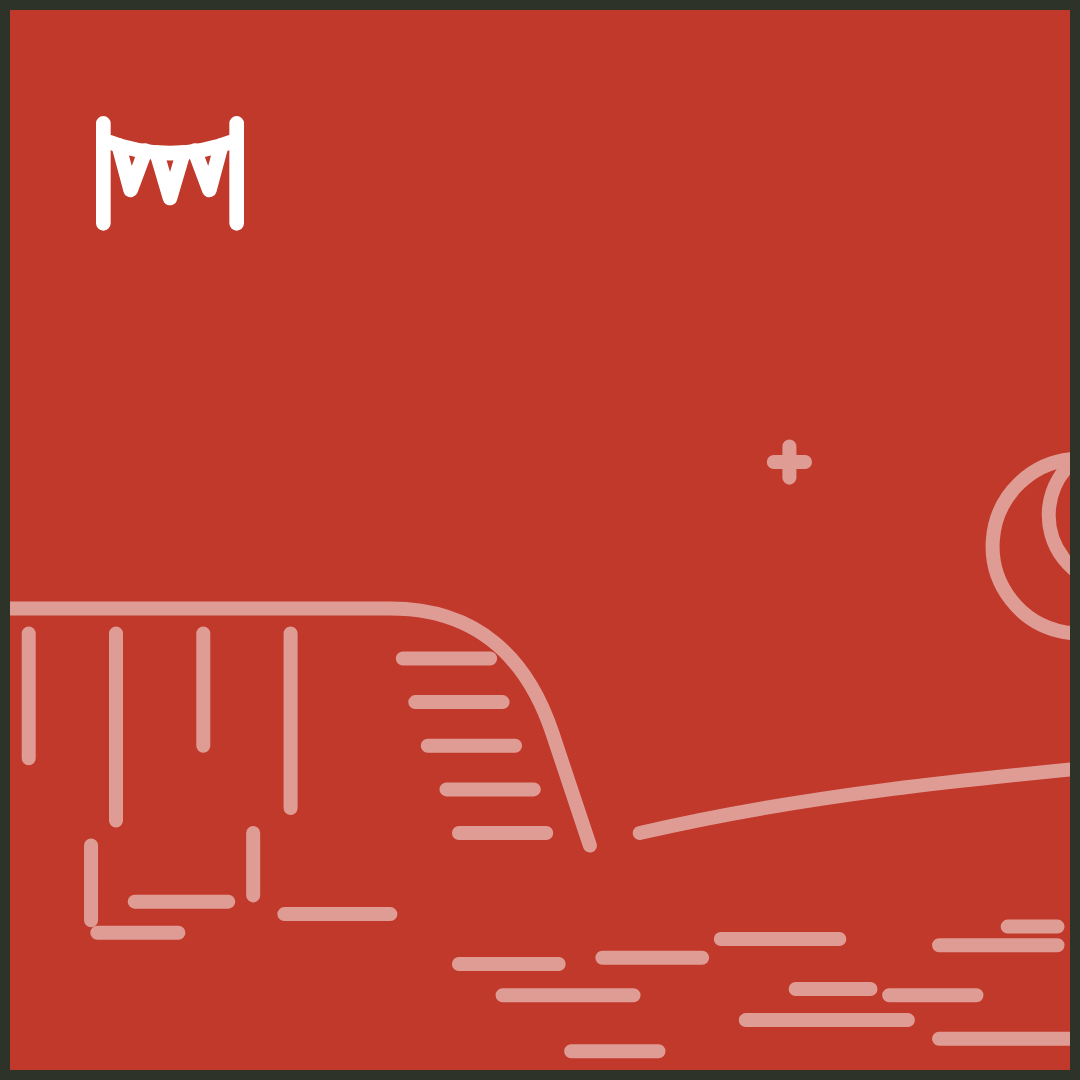


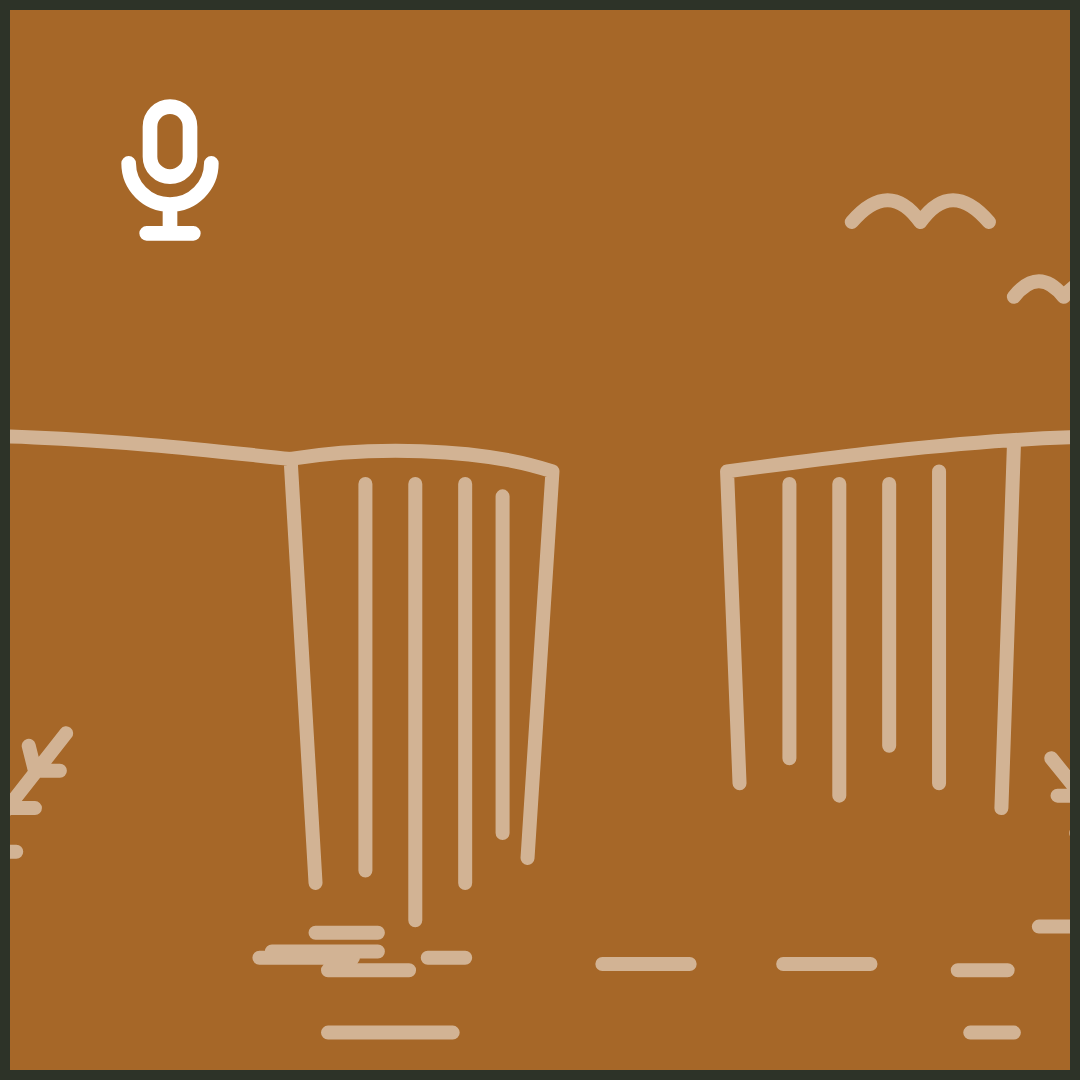
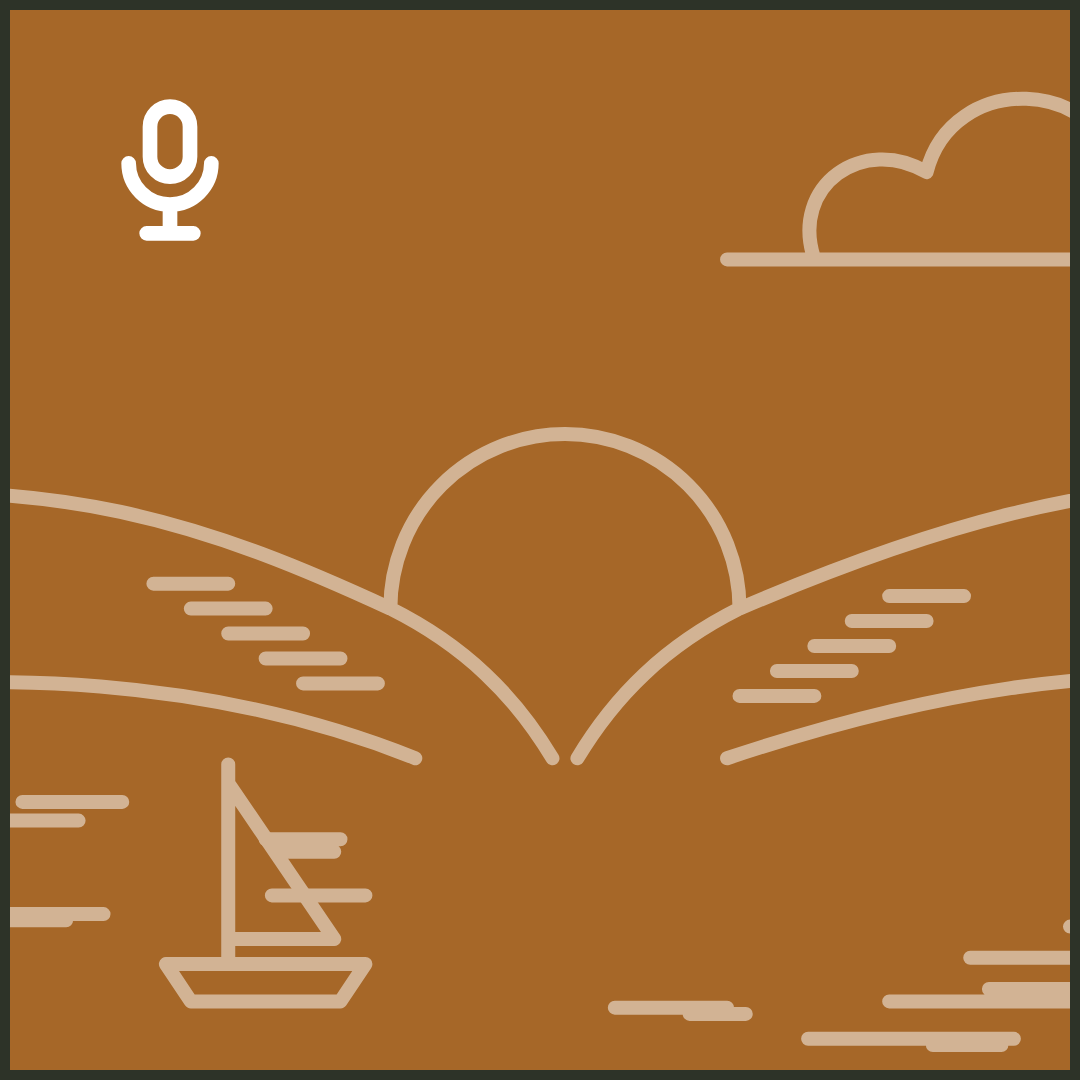
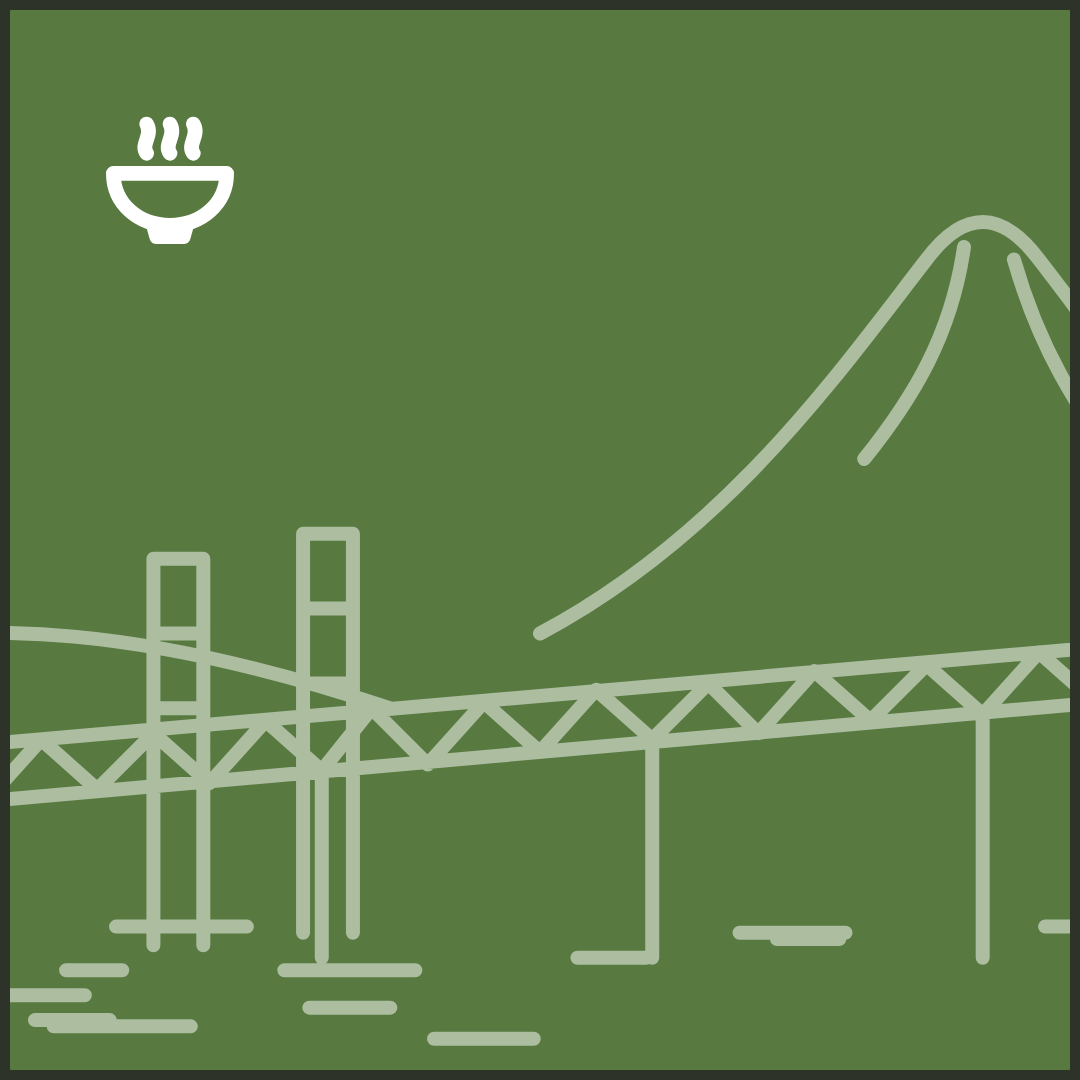
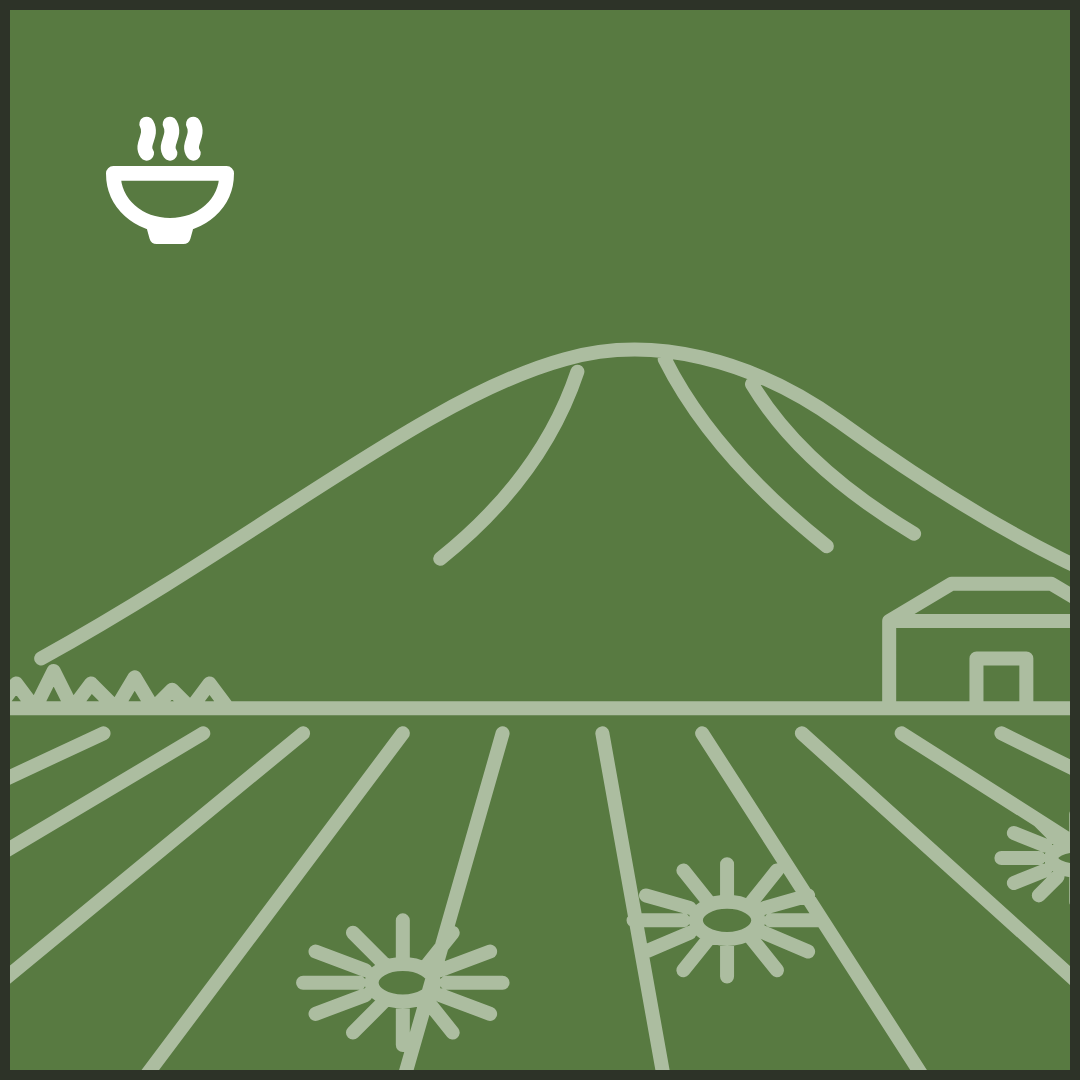









FramesDark, with a light one for daylight.
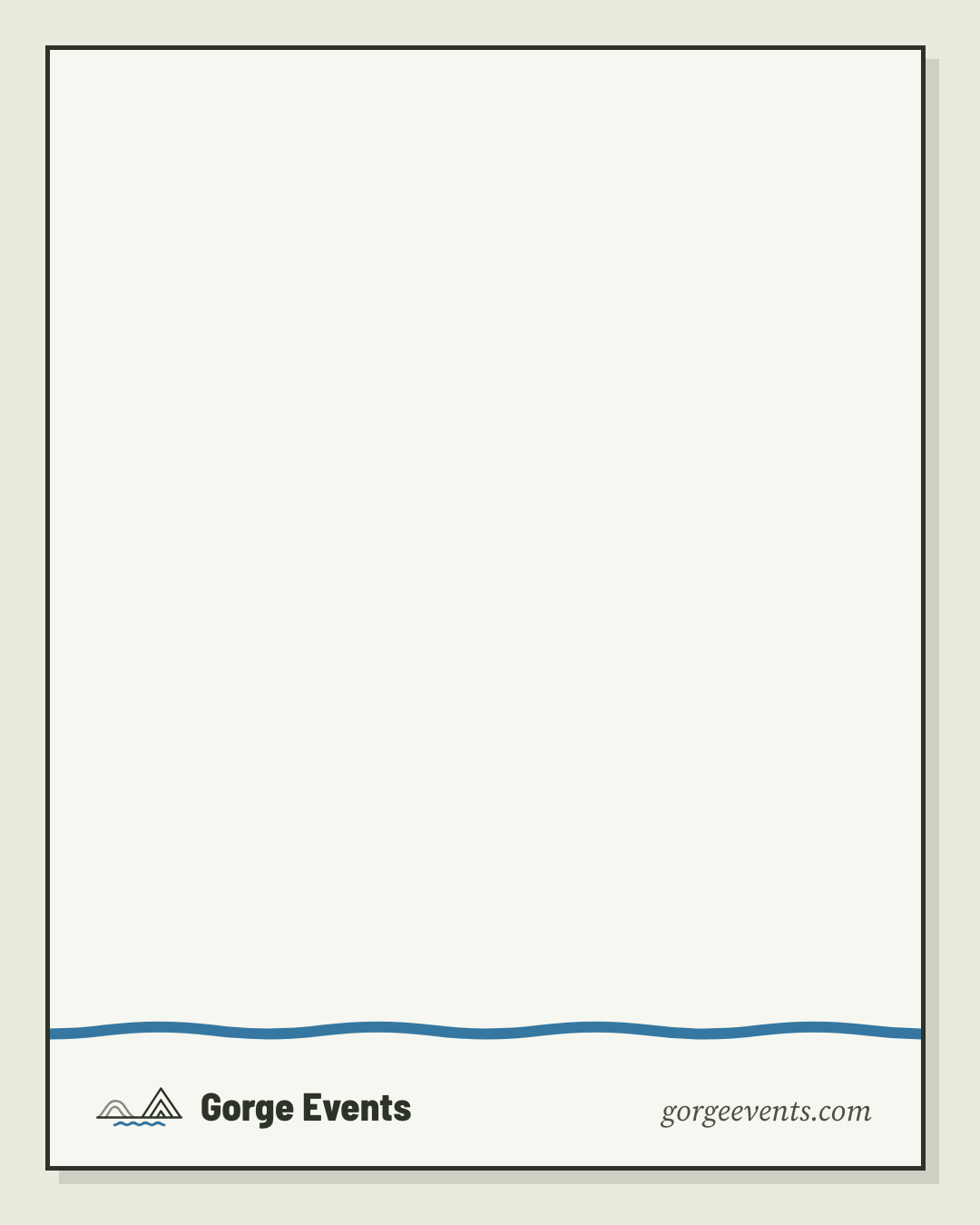
1080 × 1350, signed at the foot. Lay tiles and type on the sheet; keep 48px clear at the sides for the profile grid’s crop.

PiecesOn a clear background.
Day figures
1080 wide. Each day keeps its figure. Pale for the dark frame, ink for the light one.
- Sunday, ink
- Sunday, pale
- Monday, ink
- Monday, pale
- Tuesday, ink
- Tuesday, pale
- Wednesday, ink
- Wednesday, pale
- Thursday, ink
- Thursday, pale
- Friday, ink
- Friday, pale
- Saturday, ink
- Saturday, pale






The swipe trail
1080 × 40. Only on a carousel’s first slide. Lay it along the bottom of the sheet with the arrow at the right edge, how many more above it on the left in Barlow 800, and “Swipe for each day” on the right in the serif. The dots are easy to miss; the trail is not.


Category icons
480 × 480. Put the category’s name beside it.






The mark and signature
The mark alone is for tight spots; the signature, mark and name together, signs a post.